
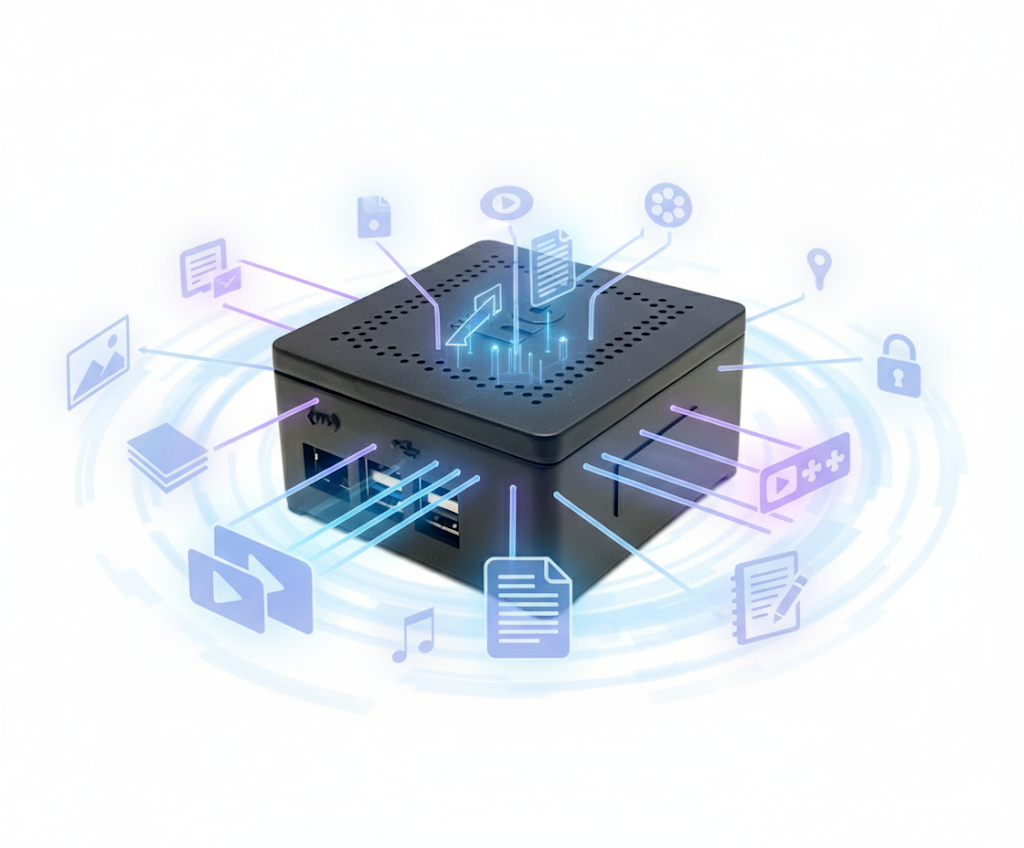
Tired of paying for multiple cloud plans and worrying about who has access to your data? Self-hosting lets you take control by creating your own private cloud right at home or in your office. With a simple NAS device, you can store, share, and access everything securely — without relying on third-party services.
Most of us use some kind of cloud plan to back up our photos, store documents, or share files. It’s convenient and works right out of the box. But after a while, the monthly fees, limited storage, and growing privacy worries start to add up. That’s where self-hosting comes in — a simple idea that puts you back in control of your own data.
So, What Exactly Is Self-Hosting?
Self-hosting means running your own little private cloud instead of storing everything on someone else’s servers. You keep your files, apps, or websites on a device you own and manage — usually right in your home or office.
Think of it as building your own personal cloud. You decide what gets stored, who can access it, and how it’s protected. No third-party company can peek into your data or change its terms overnight.
How a NAS Device Makes Self-Hosting Easy
A NAS, or Network Attached Storage, is a compact device that connects to your Wi-Fi or router and acts as a central hub for all your data. It looks like a small box with a few hard drives inside but can do much more than just store files.
With a NAS, you can:
- Back up everything automatically — phones, laptops, and even your smart TV recordings.
- Access files from anywhere in your home or while you’re away.
- Host your own apps — like a photo gallery, document manager, or media server.
- Create different accounts for family members or team members so everyone has their own private space.
Once it’s set up, it quietly works in the background, keeping all your data safe and neatly organized.
Why It’s Great for Homes
For families, a NAS can replace paid cloud subscriptions and bring all your digital life under one roof:
- No recurring costs once you set it up.
- All your photos, videos, and memories stay in your hands, not on someone else’s server.
- Easy sharing with family members — whether it’s a folder of holiday pictures or school projects.
- Private streaming — you can even watch your home videos or movies directly from it on your smart TV.
It’s a one-time investment that gives you freedom and peace of mind.
And for Small Businesses
Small businesses often deal with sensitive data and can’t always rely on public cloud plans. A NAS offers a simple, secure, and cost-effective way to manage everything in-house:
- Your files stay private and protected inside your office.
- Data redundancy keeps things safe even if one drive fails.
- Team sharing made simple — give employees access to shared folders or project spaces.
- Automatic backups prevent data loss and downtime.
Sharing Data Securely
When you’re self-hosting, you have full control over who can see or access your data. A NAS gives you two easy and secure ways to share files:
- Creating user accounts with permissions: You can add users for your family, friends, or team members and decide exactly what each person can do. For example, some can only view files, while others can upload or edit. This keeps your private folders protected while allowing collaboration where needed.
- Sharing links without creating a user: If you just want to send a file or folder to someone outside your network, you can create a secure share link. These links can be password-protected and set to expire after a few days, so you don’t have to keep them open permanently.
Accessing Your Data from Anywhere Using VPN
One of the best things about self-hosting is that you don’t have to be at home to use it. You can access your NAS securely from anywhere using a VPN (Virtual Private Network).
You connect to your home or office network through a secure, encrypted tunnel. Once connected, it feels like you’re sitting right next to your NAS, even if you’re on the other side of the world. You can browse files, back up photos, or stream videos without exposing anything to the open internet.
It’s a safe and private way to stay connected to your data no matter where you are.